Table of Contents
Introduction
Today many people are running ads but results only few get them. It happens because of tracking. There are so many newcomers who face these problems. If you do not set up Facebook pixel then you won’t get good results and your money will be wasted. With the help of it you can track conversions, and better know your audience, and enhance your ads performance.
Problems Beginner’s face
- They are running their ads but don’t have knowledge of clear conversion tracking.
- It seems to be a difficult process to install and verify FB pixel.
- One of the main problems is that they don’t have proper data to optimize campaigns.
- Faces issues understanding their audience, behavior, interest, etc.
What is FB pixel and why it matters
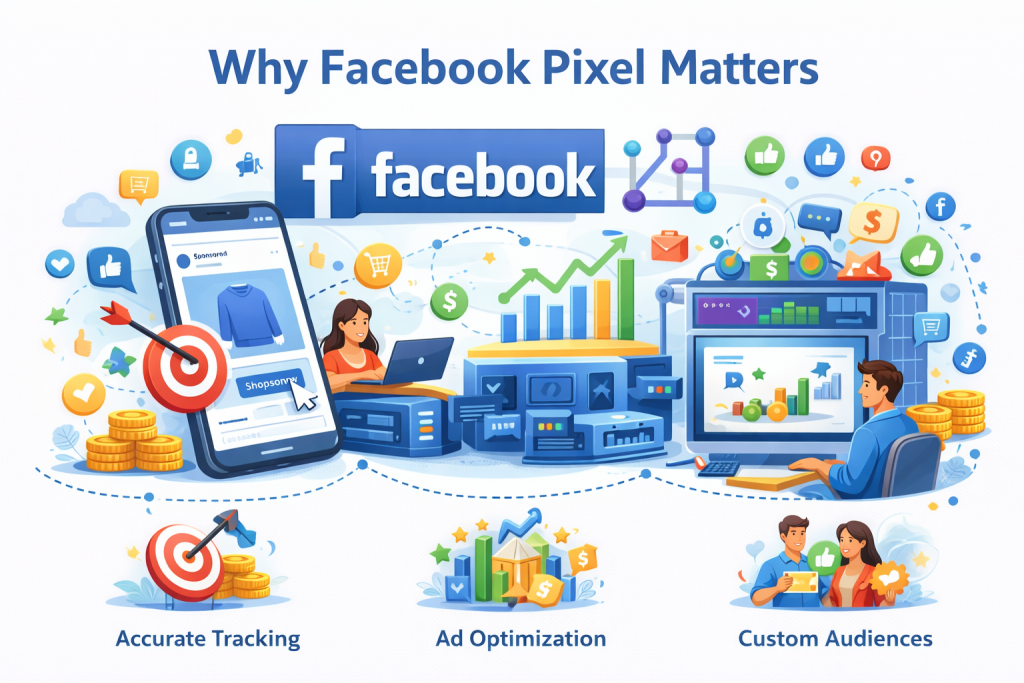
Facebook pixel is a tool through which you can track your users actions on a website. With the help of it you can better understand how the audience interacts with your website when they click on your ads. Through pixel, you can easily track conversion, retarget users, and optimize your ads very efficiently. If you use FB pixel with meta ads tips you can get better results from your ads like; higher conversions, and targeting.
Facebook Pixel Set up for Beginners
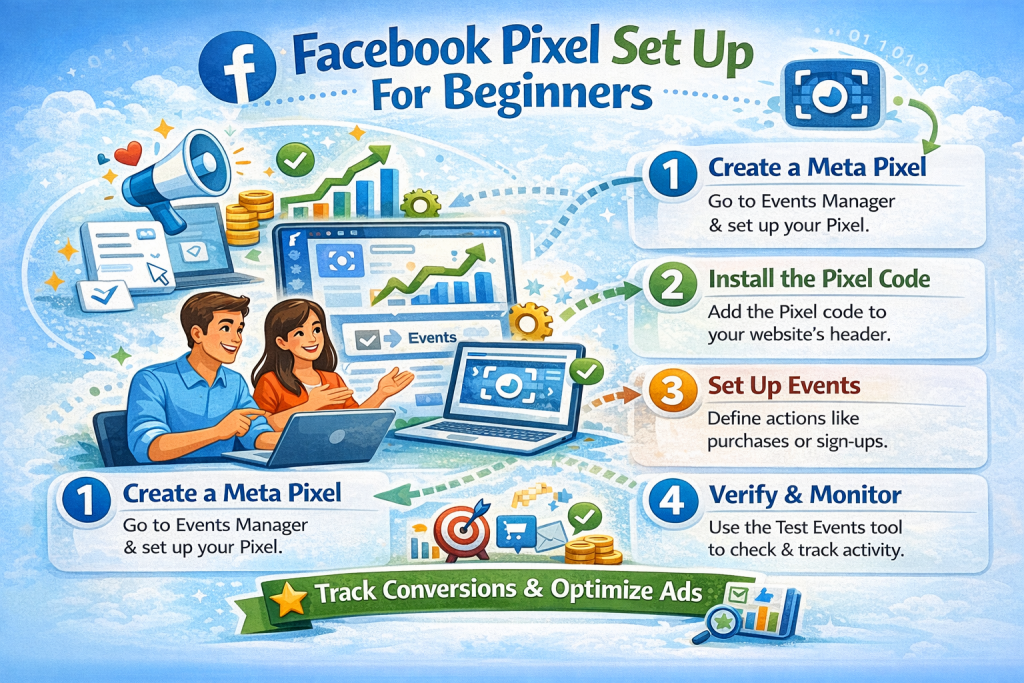
- Create your pixel – The first step is creating a pixel for this, you have to go to the events manager and create FB pixel. It is the first step in tracking user behavior.
- Add Pixel Code –After creating pixels you can manually install code on your website or if you want another method then, it can also be done by plugins.
- Verify Pixel –Verify your FB pixel using tools like Facebook helper and meta pixel helper extensions which I have mentioned above.
- Set up Events –After verifying it, you need to set up events because without set up events you couldn’t know what actions users perform in your site. So, track important actions like, purchase, sign ups, and page views, using FB pixel.
- Test and Optimize –Data that you get through it optimize your ads and keeps testing your ads regularly. So, your ads will perform better.
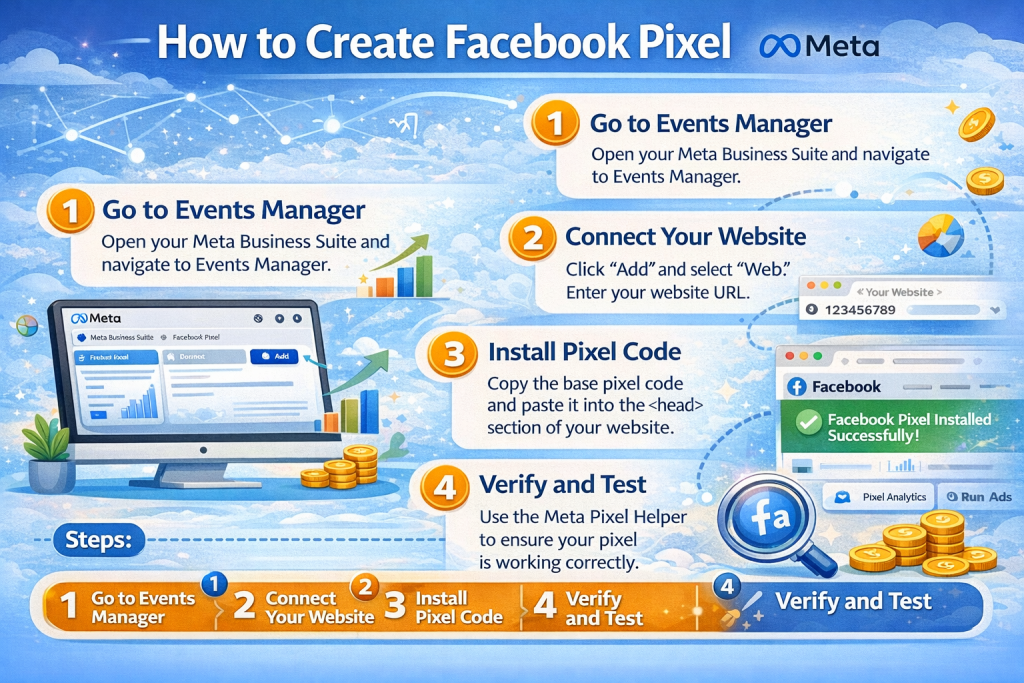
How to create Facebook pixel
The first thing you need to understand is how to create Facebook pixels in an ad account. After that you can install it. The first step is to go to the event manager, select “connect data sources”, and select the website. Below are the following steps :
- Access meta events manager.
- Create a new pixel.
- Name and connect your website.
Here we understood how to create Facebook pixel, now we move ahead to how to install FB pixel code on a website.
Install FB pixel code on your website
After you created the pixel, what next you have to do is install FB pixel code on the website. You need to place the fb pixel code in the head section of your website. It proves that Facebook pixel works properly and begins tracking users.
For WordPress, like websites you don’t need to set up it. Just with a plugin you can easily set up this.
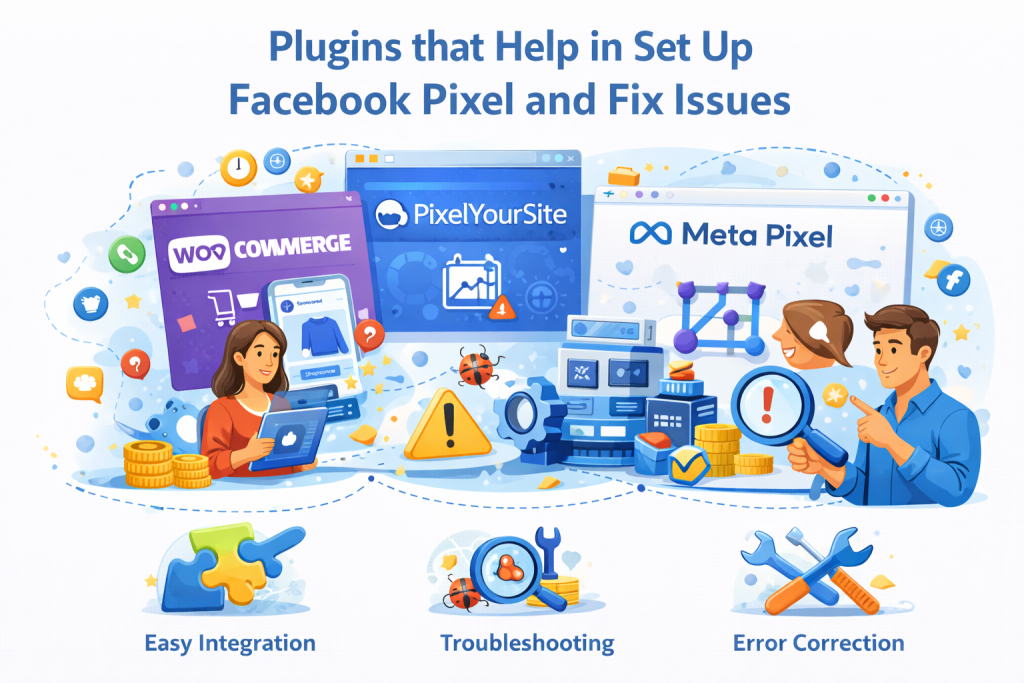
Use Facebook helper to verify pixel
People use Facebook helper tools to ensure that their Facebook pixel is normally working. Through Facebook helper you can see that if your pixel is firing correctly on your site pages.
Meta pixel helper extensions for tracking
Through the meta pixel helper you can easily find out if a website has set up a pixel or not. Also, you can monitor pixel activity in actual time. If you use a meta pixel helper then, you can easily find out that issue and fix it.
FB Pixel tracker for better insights
For better ads performance you need to understand your users behavior and it can be possible through FB pixel tracker. With the help of FB pixel tracker you can better understand how your audience interacts with your site and after that you can optimize it for better results.
WordStream Report –
A report by WordStream says that Facebook ads have an average conversion rate of approx. 9.21% across industries, this data reflects how important proper tracking tools are for better ad results.
Conclusion
If you really want that your ads will perform better then, setting up Facebook pixel is required. If you’ll not do this then, it will be difficult and problematic for you to understand users behavior and improve performance of ads. The steps which I have mentioned in this blog, through this, you can easily set up FB pixel, track conversions, and also optimize your campaigns. So, begin using it and grow your ads performance.